Every system already includes 10-year parts + 2-year labor free. Offer an upgrade to extended labor coverage (your cost comes from your JB Warranties plan — set the customer price below).
Maintenance Plan Offer & Discounts
Discounts
Customer preview
See exactly what the homeowner will see — tiers, financing, your current-system card, add-ons, and the signature block. Nothing is sent and no link exists yet.
Tip: on desktop, narrow the window to sanity-check the phone layout — most customers open estimates on their phone.
Review & send
Your live totals, profit, and the customer link are in the summary panel. Fix anything flagged above, then generate the link.
—
Library
Import / bulk add
Add a new brand's lineup (e.g. Lennox, Goodman, Carrier). Paste one item per line as Name, Cost (optionally , Sell, Spec, Tons). Commas, tabs, or pipes all work. American Standard, Ameristar, and Mitsubishi are already built in — just delete any brand you don't carry.
Add unit
Dashboard
This Month
$0
0 jobs
Pipeline
$0
open
Close Rate
0%
0 of 0
Avg Job
$0
this year
This Year
$0
0 jobs
Needs Attention
Follow-ups Needed
All caught up — nothing needs your attention.
Estimates
Recent
0 selected
Performance
Revenue — Last 6 Months
Sales Funnel — Last 30 Days
Revenue by Job Type — This Year
Revenue by Lead Source
Estimate Details
Schedule
Schedule a Job
Maintenance Agreement
Customer
Plan
What's Included
Job Details
Customer
Job Info
Payment
Balance Due
$0
Notes
Photos
Drag photos here or click to upload
CenterPoint Rebates
Owner-only
Rebates your dealer submits to CenterPoint and credits back to you (~30 days). This is company margin — never shown to customers. Auto-calculated from each signed system's tonnage & SEER2; override any job that qualifies for a bonus.
Customers
All customers
0 selected
New customer
Customer Profile
Add Equipment
Log Service
Add Maintenance Agreement
Maintenance Agreements
Active agreements
Add agreements from a customer's profile →
Preview — this is what your customer sees
Prepared exclusively for
Residence
Your complete home comfort proposal. One installed price, no surprises.
By Your Contractor · · Valid 30 days
Licensed LicensedInsured Fully covered5.0 RatedGoogle ReviewsFast Service 24hr response
Your Project
Optional upgrades
We spend about 90% of our time indoors, where air can be up to 5 times poorer quality than outside. These upgrades clean and protect the air your family breathes.
Your complete investment — equipment, installation & warranty in one price
--
Tax$0
Estimated total-
Everything handled for you, included in your price
Value & protection
Accept this estimate
🎉
You're all set!
Your estimate has been signed and submitted. your contractor will contact you within 24 hours to schedule your installation.
No payment due today · You'll receive a copy of your signed estimate
—
Admin Console
Manage vendors on Blue Field Pilot
Pending Approval
Active Vendors
Suspended
Settings
Company
Drag a photo here or
PNG, JPG, or WebP · max 2MB
Email Alerts — optional
Get an email the moment a customer accepts an estimate. Enter the email you want alerts sent to. (Advanced EmailJS setup — leave blank to use dashboard notifications only.)
Advanced email setup (EmailJS)
Team & Tech Logins
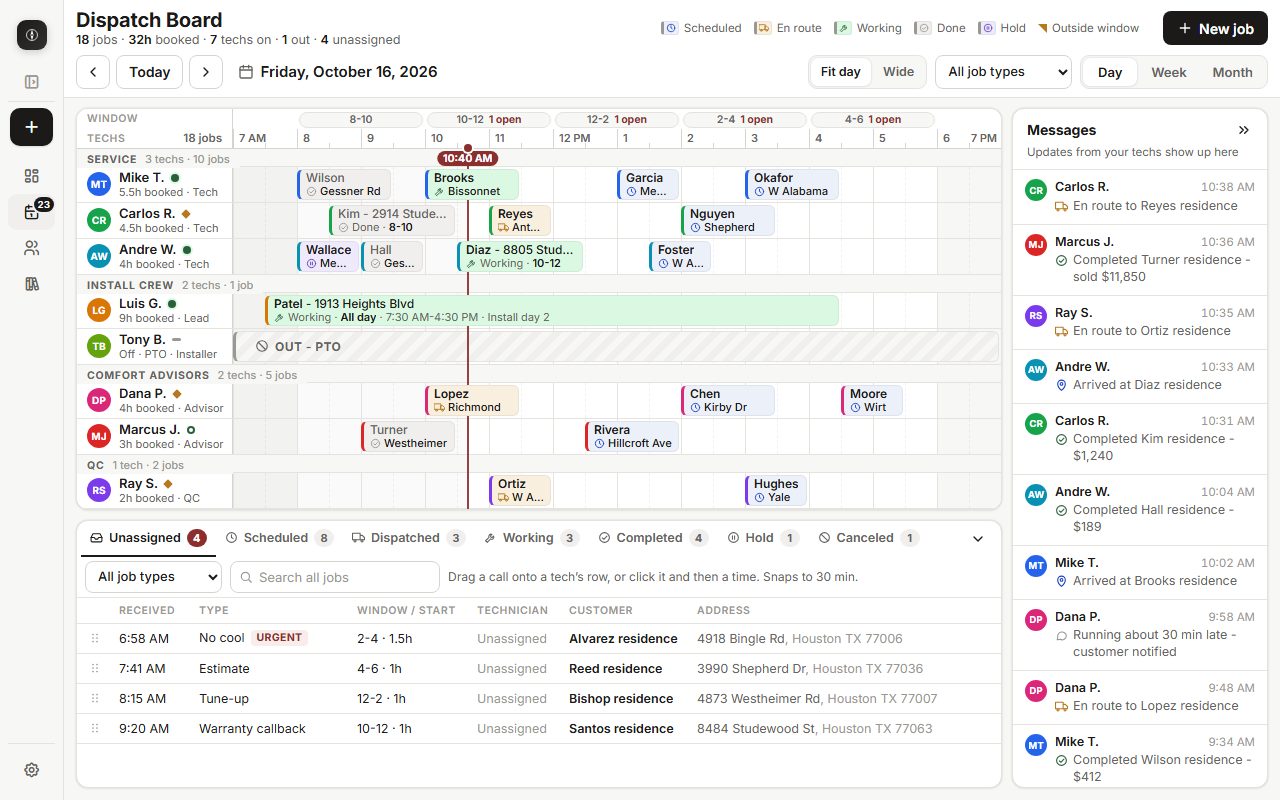
Add your techs and (optionally) give each their own login. They sign in on their phone and land straight in the Field Portal — they only see their assigned jobs, never pricing or customers. Assign them to jobs on the Schedule.
Loading team…
Add Tech
Recommended: set a password here and share it with your tech. They sign in with this email + password at bluefieldpilot.com and go straight to the Field Portal — no email needed.
Reports & Export
Tax export = all paid jobs with dates, amounts, deposits & payment methods. Back up monthly and keep it safe.
Save
Saves your company name, logo, license etc. to your account so they appear on every estimate & invoice.
Billing
Billing status loads here once Stripe is connected (see STRIPE_SETUP.md).
System Health
Tests your live database for every feature. Anything red = run BFP_MASTER_MIGRATION.sql once in the Supabase SQL Editor.